Making smart home technology easier
Connected devices bring routers, apps, accounts and permissions into what used to be a household chore. We untangle those layers one at a time, so the technology fades into the background again.

An independent help center that turns robot vacuum setup and troubleshooting into clear, safe, practical steps.
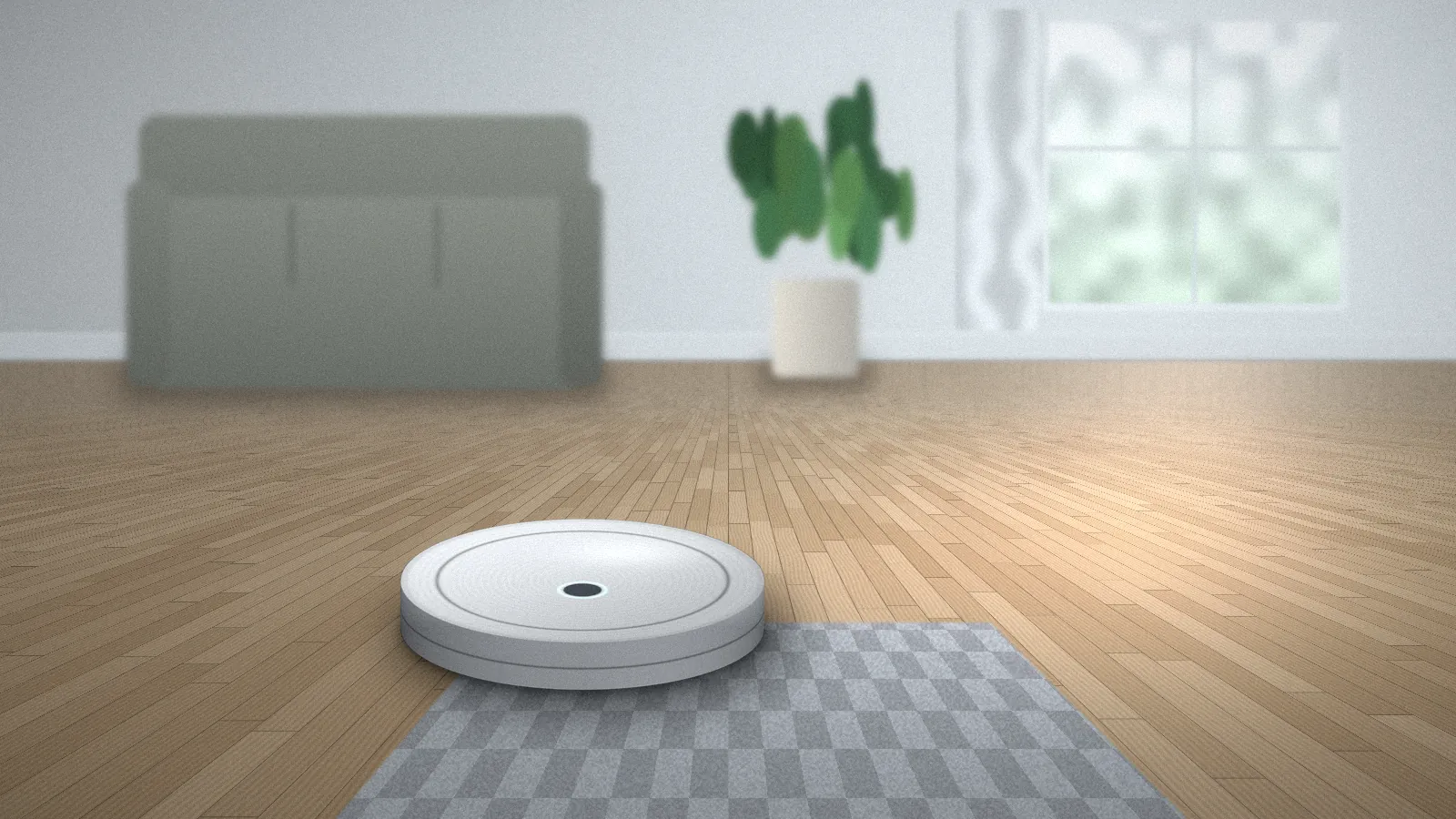
iRoomBaseTP is an independent knowledge center for people who own, or are about to own, a robot vacuum. We write the kind of explanations we wish came in the box: what each part of setup is for, what a confusing light or message is likely telling you, and which simple checks are worth trying before you contact the manufacturer.
Our guides are organized around real situations rather than product catalogs. You will find pages for first-time setup, Wi-Fi pairing, troubleshooting, resets, companion apps and maintenance, plus a growing library of help articles.

Robot vacuums save real time, but only when they run reliably. Our purpose is to shorten the gap between “it’s not working” and “it’s back on its schedule.”
Connected devices bring routers, apps, accounts and permissions into what used to be a household chore. We untangle those layers one at a time, so the technology fades into the background again.
We start with the safest, most common causes — hair on a brush, a full bin, a phone on the wrong network — before anything more involved. Every check we suggest is one an owner can do without tools or opening the device.
Short steps, plain words, one action per step. We explain jargon when we use it and design pages to work with keyboards, screen readers and small phone screens.
Robot vacuums share the same basic anatomy — a battery, drive wheels, brushes, a bin, a filter and sensors — so we explain those shared foundations and point out where models typically differ.
We never invent button combinations, error code meanings or reset sequences. When a step depends on your exact model, we say so and send you to your official manual or the manufacturer’s support page.
We do not publish instructions for opening battery compartments, modifying chargers or repairing electrical components. Those jobs belong to qualified service providers.
We will never ask for your Wi-Fi password, account login or device serial number, and our guides show you how to check your network without sharing credentials with anyone.
If a step no longer matches what you see on screen, tell us through the contact page. Apps change often, and owner feedback keeps our guides accurate.
Suggest a topic or point out a guide that could be clearer. Owner questions shape what we write next.